


Extended Markdown Features
GitHub Repository Cards
You can add dynamic cards linking to GitHub repositories. Repository information is retrieved from the GitHub API when the page loads.
Use ::github{repo="BingYunVIP/Firefly"} to create a GitHub repository card.
::github{repo="BingYunVIP/Firefly"}Configuring Admonitions
Firefly uses rehype-callouts, supporting four admonition themes: GitHub, Obsidian, VitePress, and Docusaurus. Configure them in src/config/siteConfig.ts:
export const siteConfig: SiteConfig = { // ... rehypeCallouts: { // 选项: "github" | "obsidian" | "vitepress" | "docusaurus" theme: "github", }, // ...};Note: Restart the development server after changing the configuration.
The supported types for each theme are listed below. Each theme has its own appearance and syntax, so choose the one you prefer.
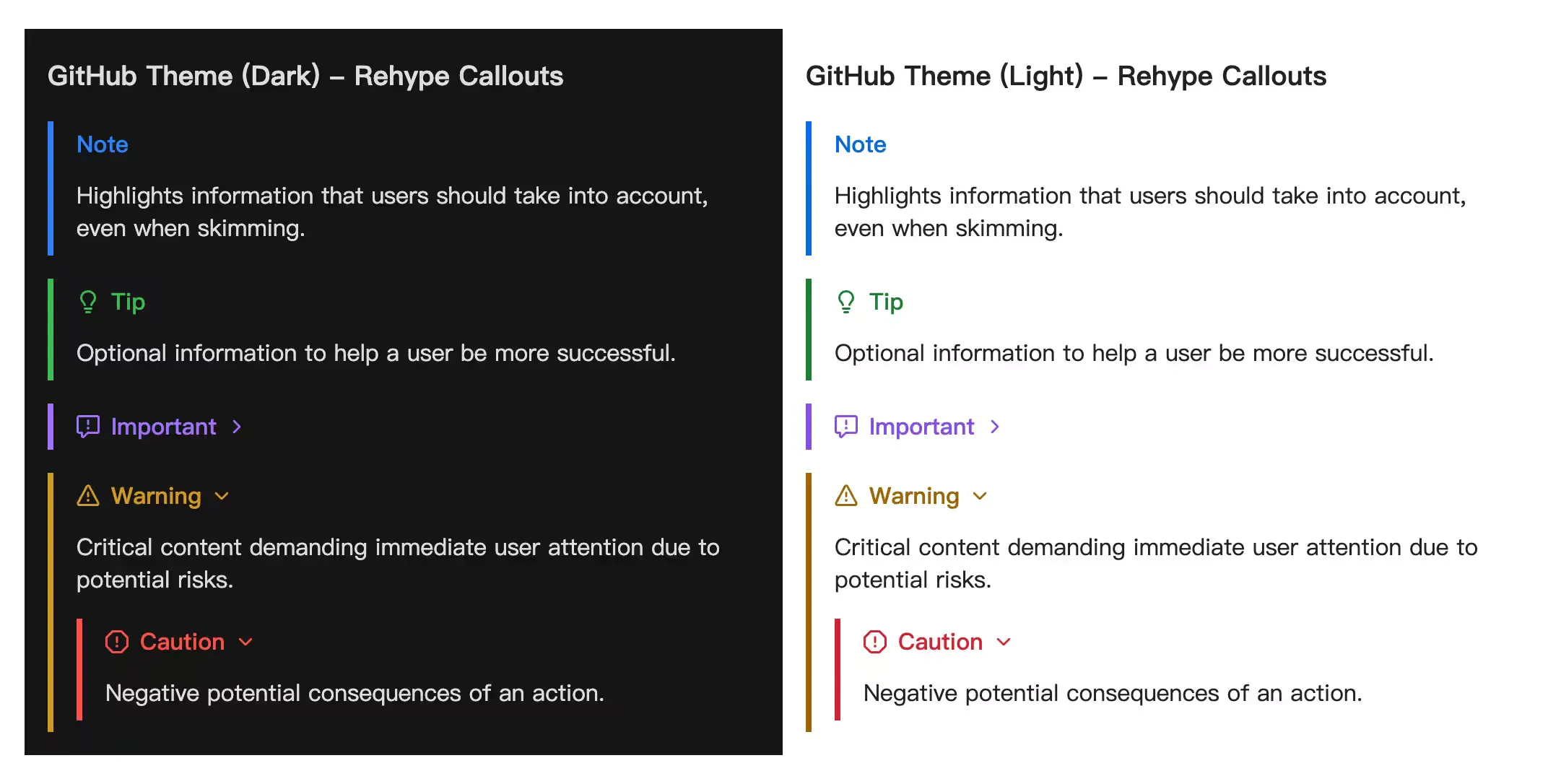
1. GitHub Theme
These are the five basic types officially supported by GitHub.
Basic Syntax
> [!NOTE] NOTE> 突出显示用户应该考虑的信息。
> [!TIP] TIP> 可选信息,帮助用户更成功。
> [!IMPORTANT] IMPORTANT> 用户成功所必需的关键信息。
> [!WARNING] WARNING> 关键内容,需要立即注意。
> [!CAUTION] CAUTION> 行动的负面潜在后果。
> [!NOTE] 自定义标题> 这是一个带有自定义标题的示例。2. Obsidian Theme
The Obsidian theme supports an extensive set of types and aliases.
Expand the Obsidian Syntax List
> [!NOTE] NOTE> 通用的笔记块。
> [!ABSTRACT] ABSTRACT> 文章的摘要。
> [!SUMMARY] SUMMARY> 文章的总结(同 Abstract)。
> [!TLDR] TLDR> 太长不看(同 Abstract)。
> [!INFO] INFO> 提供额外信息。
> [!TODO] TODO> 需要完成的事项。
> [!TIP] TIP> 实用技巧或提示。
> [!HINT] HINT> 暗示(同 Tip)。
> [!IMPORTANT] IMPORTANT> 重要信息(Obsidian 风格通常使用类似的图标)。
> [!SUCCESS] SUCCESS> 操作成功。
> [!CHECK] CHECK> 检查通过(同 Success)。
> [!DONE] DONE> 已完成(同 Success)。
> [!QUESTION] QUESTION> 提出问题。
> [!HELP] HELP> 寻求帮助(同 Question)。
> [!FAQ] FAQ> 常见问题(同 Question)。
> [!WARNING] WARNING> 警告信息。
> [!CAUTION] CAUTION> 注意事项(同 Warning)。
> [!ATTENTION] ATTENTION> 引起注意(同 Warning)。
> [!FAILURE] FAILURE> 操作失败。
> [!FAIL] FAIL> 失败(同 Failure)。
> [!MISSING] MISSING> 缺失内容(同 Failure)。
> [!DANGER] DANGER> 危险操作警告。
> [!ERROR] ERROR> 错误信息(同 Danger)。
> [!BUG] BUG> 报告软件缺陷。
> [!EXAMPLE] EXAMPLE> 展示一个例子。
> [!QUOTE] QUOTE> 引用一段话。
> [!CITE] CITE> 引证(同 Quote)。
> [!NOTE] 自定义标题> 这是一个带有自定义标题的示例。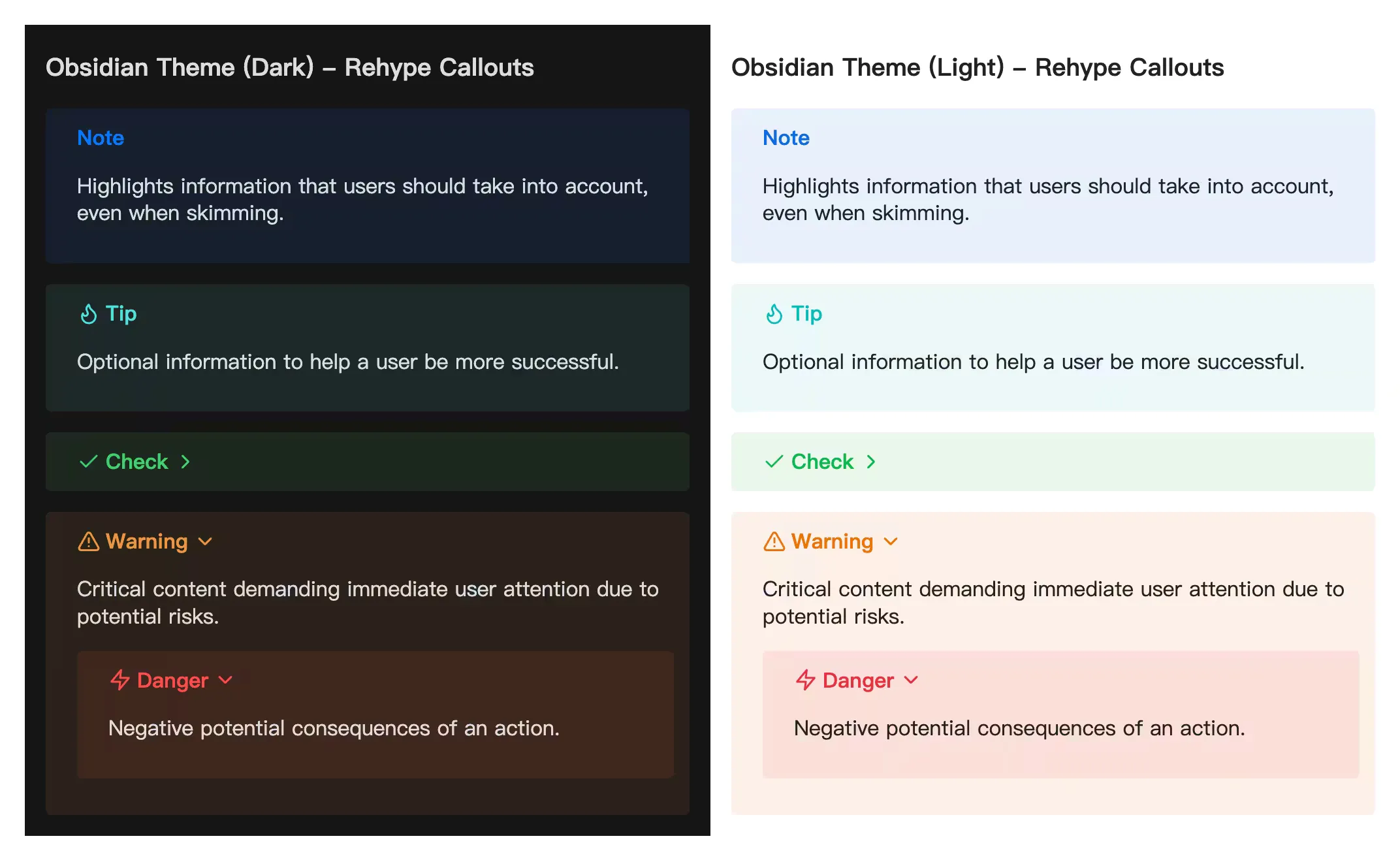
3. VitePress Theme
The VitePress theme provides a modern, flat appearance. It currently includes the same five basic types as GitHub.
Expand the VitePress Syntax List
> [!NOTE] NOTE> 对应 GitHub 的 Note。
> [!TIP] TIP> 对应 GitHub 的 Tip。
> [!IMPORTANT] IMPORTANT> 对应 GitHub 的 Important。
> [!WARNING] WARNING> 对应 GitHub 的 Warning。
> [!CAUTION] CAUTION> 对应 GitHub 的 Caution。
> [!TIP] 自定义标题> VitePress 风格同样支持自定义标题。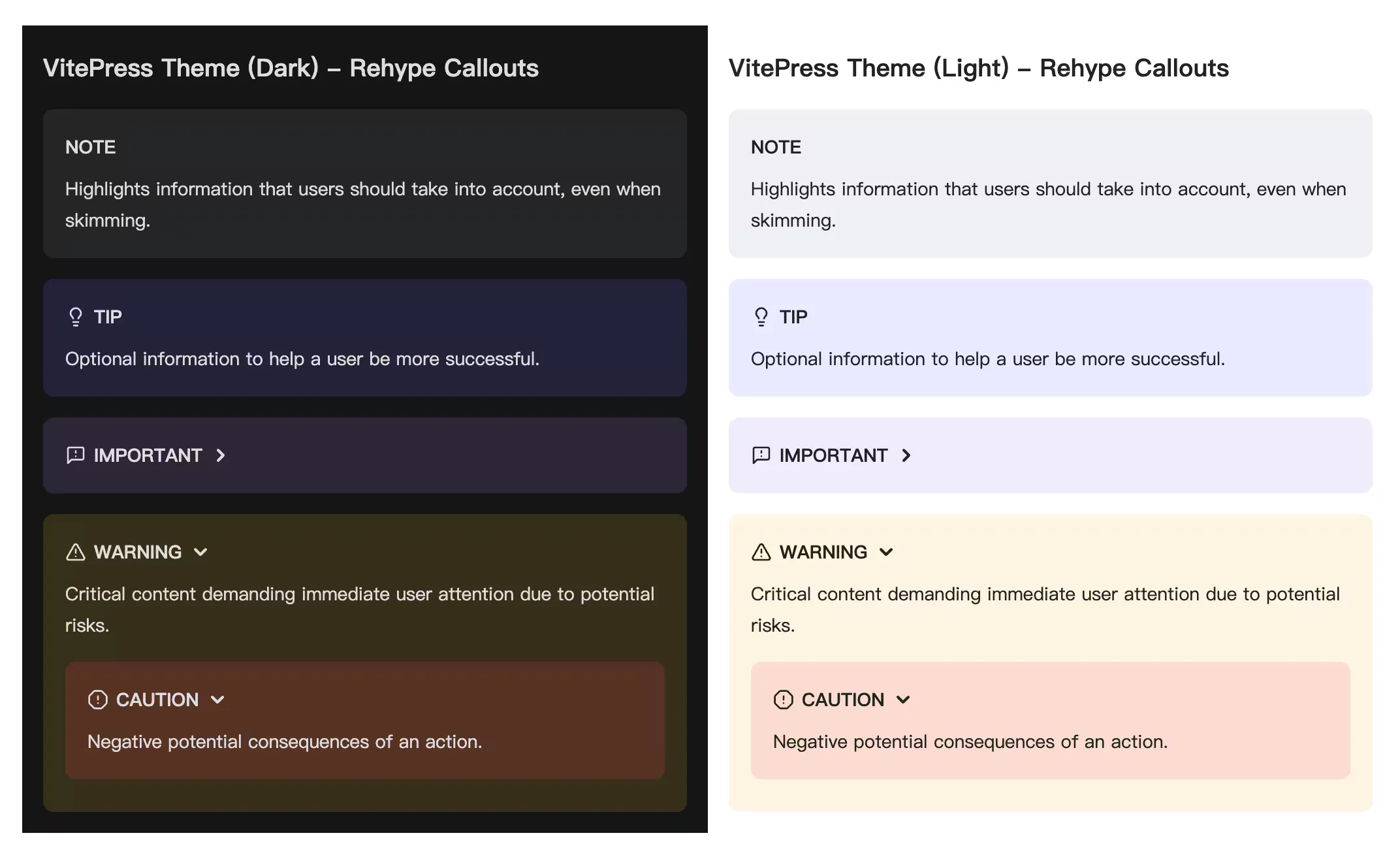
4. Docusaurus Theme
The Docusaurus theme provides modern admonition styles and supports five types.
Expand the Docusaurus Syntax List
The following admonition types are supported: note tip info warning danger
:::note突出显示用户应该考虑的信息,即使在快速浏览时也是如此。:::
:::tip可选信息,帮助用户更成功。:::
:::info一般信息。:::
:::warning由于潜在风险需要用户立即注意的关键内容。:::
:::danger行动的负面潜在后果。:::
:::tip[自定义标题]可选信息,帮助用户更成功。:::
Spoilers
You can hide text with spoiler markup. The hidden text also supports Markdown syntax.
The content
内容 :spoiler[被隐藏了 **哈哈**]!Image Gallery Grid
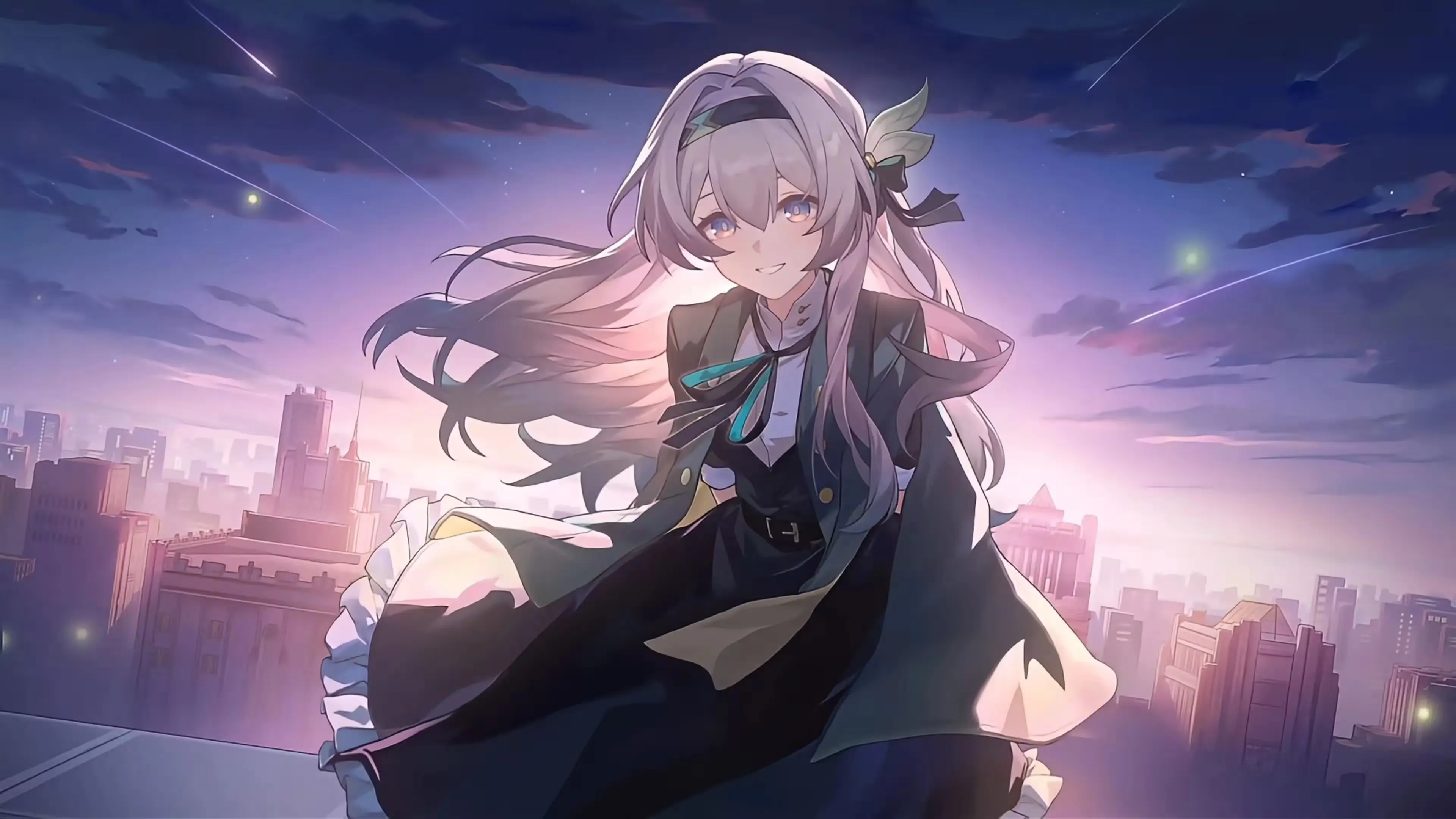
Use the [grid] and [/grid] tags to display multiple images side by side. This is useful for photo galleries and comparisons. The system automatically creates a responsive grid based on the number of enclosed images, with up to four images in a row.
Automatic image height matching: Images with different sizes or aspect ratios in the same row fill the available space, much like a tiled photo gallery. Shorter or differently proportioned images use centered object-cover cropping to align their edges seamlessly. Open an image in the lightbox to see it in full. For this reason, avoid mixing very different aspect ratios in the same row when possible.
Bottom-aligned captions: Regardless of the image dimensions, captions in the same row align to a shared horizontal baseline.


Basic Syntax
[grid][/grid]Support & Share
If this article helped you, please share or support!